When the Machine Outlasts Its Controller
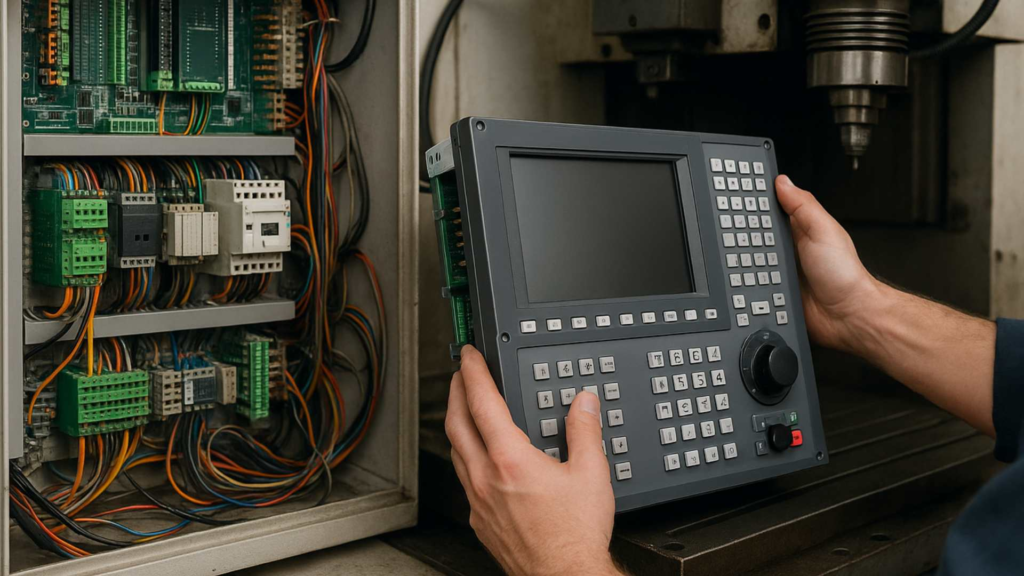
A CNC controller retrofit replaces the ageing electronics of a machine while keeping the mechanics that still work. A well-built CNC machine’s frame, spindle, and drive system can remain solid and accurate for decades, even as the electronics controlling it become outdated, unreliable, or nearly impossible to find parts for.
In these cases, replacing the entire machine is rarely the most sensible option. Retrofitting the control system usually is.
Signs It Is Time to Upgrade a CNC Controller
- Replacement parts are gone. Boards, displays, or drives are discontinued, and used spares are the only source.
- The manufacturer no longer supports it. No documentation, no service, no software updates.
- Faults are random and getting more frequent. Ageing capacitors and connectors fail intermittently before they fail completely.
- Loading programs is a struggle. The controller only accepts floppy disks, a serial cable, or manual entry.
- Memory or G-code support is too limited for the programs your CAM software produces.
One of these alone may be tolerable. Two or more together are a good reason to plan a retrofit before the next failure forces the decision.
Old CNC Controller No Longer Supported: What Are Your Options?
There are five realistic paths. Which one fits depends on the condition of the mechanics and how long you need the machine to keep earning.
| Option | Best when | Trade-off |
|---|---|---|
| Repair the existing controller | The fault is isolated and a specialist can still fix the board | The next failure is only a matter of time |
| Fit a used identical controller | A known-good spare is available | Same age, same weaknesses, no support |
| Retrofit with a PC-based control such as Mach3 | The mechanics are sound and the work is general milling, routing, or turning | Needs careful wiring and configuration |
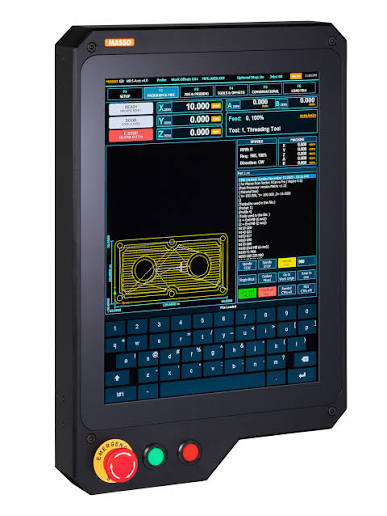
| Retrofit with an industrial controller | The machine runs production with tool changers or demanding cycle times | Higher cost and a longer project |
| Replace the machine | The mechanics are worn as well as the electronics | The largest investment by far |
For a mechanically healthy machine in a small or medium workshop, a PC-based retrofit is usually the most economical way to get a supported, modern control.
What a Mach3 Retrofit Typically Involves
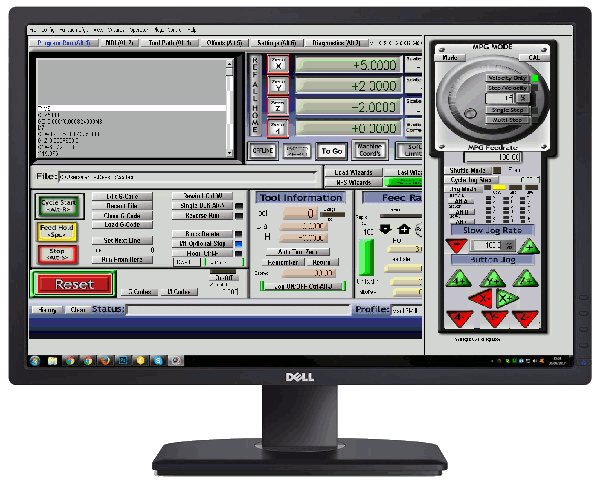
A Mach3 retrofit generally means replacing the original, often proprietary controller with a modern PC-based system running Mach3. It is paired with new motor drivers and a breakout board or motion controller matched to the machine’s existing motors, or occasionally new motors if the originals are damaged or difficult to source.
| Usually kept | Usually replaced |
|---|---|
| Frame, ways, and ball screws | Controller and operator panel |
| Spindle and its motor | Motor drivers |
| Axis motors, if they are in good condition | Breakout board or motion controller |
| Limit switches, if they still work | Control wiring and power supplies |
The retrofit process
- Assess the mechanics. Check screws, ways, and spindle bearings before spending anything on electronics.
- Document the existing wiring. Photograph and label every connection before removing the old controller.
- Select the hardware. Choose drivers and a motion controller that suit the existing motors.
- Install and wire. Every connection needs to be verified against the machine’s original setup, not a generic reference.
- Configure Mach3. Assign pins, limits, homing, E-stop, and spindle control. See our Mach3 setup guide.
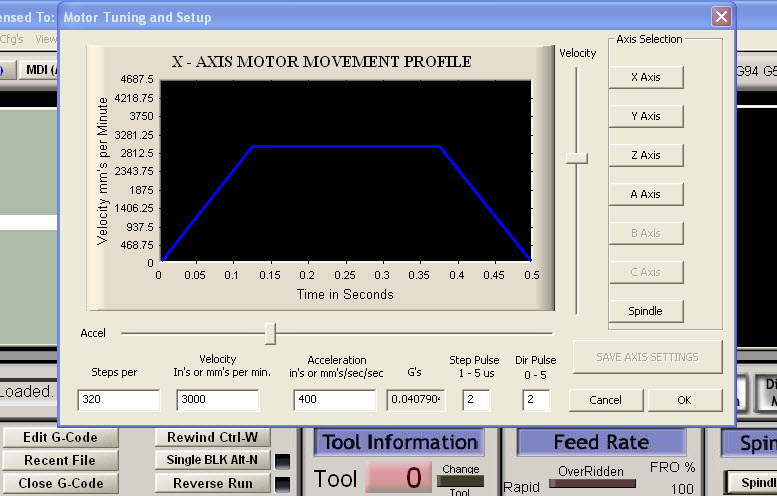
- Tune every axis. After a controller upgrade, each axis needs to be set up again, starting with Mach3 motor tuning for steps per unit, velocity, and acceleration.
- Calibrate and test cut. Confirm travel, repeatability, and backlash using our Mach3 troubleshooting and calibration routine.
Benefits Beyond Keeping the Machine Running
A retrofit does more than replace a dying controller. It often delivers real improvements over the original system:
- A modern interface that is easier to learn and operate
- Easier access to replacement parts going forward
- USB or network file transfer in place of floppy disks and serial cables
- More flexible G-code support, so programs from current CAM software run without editing
- Room to add probing, tool-length setting, or custom macros and screen sets
What to Check Before Committing
Not every machine is a good retrofit candidate. A retrofit gives new life to solid mechanics, but it will not fix a machine with significant mechanical wear that needs attention of its own.
- Ball screws: check for backlash and rough spots along the full travel.
- Ways: look for scoring, uneven wear, and loss of lubrication.
- Spindle bearings: listen for noise and check for heat and runout.
- Axis motors: confirm their type and rating, since that decides which drivers will work.
- Documentation: any surviving wiring diagrams shorten the project considerably.
If the mechanics fail these checks, repair them first or reconsider the retrofit.
Upgrading from an Older Mach3 Setup
A retrofit is not only for proprietary controllers. Many machines already run Mach3 on an ageing PC through the parallel port, and that PC is now the weak point.
The usual upgrade is to keep Mach3 and move pulse generation to an external USB or Ethernet motion controller. That frees you from 32-bit Windows and the parallel port, and the existing drivers and motors stay in place. The configuration then needs to be rebuilt and each axis retuned.
See our Mach3 CNC controller overview for how the parts fit together.
Have an Older Machine Worth Upgrading?
RunTechEngineer retrofits older CNC machines with modern Mach3 control systems, extending the working life of solid mechanical equipment without the cost of full replacement.
Contact us to discuss your machine. Tell us the make and model, the current controller, the motor type if you know it, and what is going wrong.