
What Is a Mach3 CNC Controller?
A Mach3 CNC controller is a Windows PC running Mach3 software, connected to the motor drivers of a CNC machine. Mach3 reads a G-code program and turns it into the step and direction signals that move each axis. It is one of the most widely used control platforms on hobby and small-shop mills, routers, lathes, and plasma tables.
The software, published by Newfangled Solutions, can drive up to six axes and a spindle. It also handles limit switches, homing, an emergency stop, and custom buttons and macros.
Mach3 is capable, but it is generic. Out of the box it knows nothing about your motors, screws, or switches. Getting it configured, tuned, and integrated with your specific hardware is what decides whether the machine runs accurately and reliably. We set up, configure, and troubleshoot Mach3 systems, and this page explains both how it works and how we can help.
What Hardware Does a Mach3 Controller Need?
Mach3 is only the software. A complete Mach3 CNC controller is made of these parts:
| Part | What it does |
|---|---|
| Control PC | Runs Mach3 and the G-code program |
| Motion controller or parallel port | Generates the step pulses that Mach3 commands |
| Breakout board | Isolates the PC and gives screw terminals for every signal |
| Stepper or servo drivers | Turn step and direction signals into motor current |
| Motors | Move each axis |
| Limit and home switches, E-stop | Protect the machine and give it a reference position |
| Spindle relay or VFD | Lets Mach3 switch the spindle and set its speed |
Parallel port or external motion controller?
This is the first decision in any Mach3 build, because it determines which PC you can use.
| Parallel port | External motion controller | |
|---|---|---|
| Connection | 25-pin printer port | USB or Ethernet |
| Windows | 32-bit desktop only | 32-bit or 64-bit, including laptops |
| Pulse generation | Done by the PC, sensitive to background tasks | Done by the controller, more stable |
| Extra cost | None beyond a breakout board | The controller and its Mach3 plugin |
| Best for | An existing older PC that already works | A new build or a PC replacement |
For most new builds we recommend an external motion controller. A dedicated older PC with a parallel port can still run well if it is kept offline and used for nothing else.
How to Set Up a Mach3 CNC Controller
Setup happens in four stages. Each has its own detailed guide.
- Install and configure. Install Mach3 and the driver or plugin, assign ports and pins, and set up limits, homing, E-stop, and the spindle. Follow our Mach3 setup guide.
- Tune the motors. Set steps per unit so the axis moves the commanded distance, then find safe velocity and acceleration. See the Mach3 motor tuning guide.
- Calibrate and troubleshoot. Measure real travel, correct for backlash, and track down lost steps or noisy signals. See Mach3 troubleshooting and calibration.
- Customise the interface. Add buttons, tool-change routines, and probing with custom macros and screen sets.
Do them in this order. Tuning a machine whose pins or switches are wrong wastes time, and macros built on an uncalibrated machine repeat its errors.
When to Upgrade a Mach3 Controller
A working Mach3 machine does not need replacing just because the software is old. Consider an upgrade when one of these applies:
- The control PC is failing and a like-for-like replacement with a parallel port is hard to find.
- The machine loses position at random and tuning has not fixed it.
- You need features the current setup cannot deliver, such as faster pulse rates or more inputs.
Often the fix is a new motion controller rather than new software. Our page on CNC controller retrofit and upgrade support covers the options.
Our Mach3 Services
- Mach3 installation and configuration, matched to your specific CNC machine and motor drivers
- Mach3 motor tuning, setting steps per unit, velocity, and acceleration for accurate motion
- Custom macros and screen sets, tailoring the Mach3 interface to your workflow
- Mach3 troubleshooting and calibration, resolving accuracy issues, lost steps, or communication errors
- CNC controller retrofit and upgrade support, upgrading older or manual machines with Mach3-based control
- Not sure whether to stay on Mach3? Our guide to the options when you upgrade from Mach3 compares Mach4, LinuxCNC, and UCCNC.
Who this is for
- Workshops running or building CNC machines that use, or plan to use, Mach3
- Businesses retrofitting manual machines into CNC-capable systems
- Anyone experiencing accuracy or reliability issues with an existing Mach3 setup
Our process
- Assessment. We review your machine hardware and current control setup.
- Configuration. We install Mach3 and tune its parameters for your specific machine.
- Testing. We verify accuracy and repeatability through test cuts.
- Handoff and support. You receive documentation and guidance for ongoing operation.
Mach3 CNC Controller FAQ
Does Mach3 work on 64-bit Windows 10 or 11? Yes, with an external USB or Ethernet motion controller. The parallel port driver only works on 32-bit Windows.
Is Mach3 free? The demo is free but limited to 500 lines of G-code. A licence removes the limit.
How many axes can Mach3 control? Up to six, plus a spindle.
Can Mach3 run servo motors? Yes, as long as the servo drives accept step and direction signals. The servo loop is tuned in the drive, not in Mach3.
Do I need a new PC for Mach3? Not necessarily. A modest PC is enough if it is dedicated to the machine. What matters more is choosing between the parallel port and an external motion controller.
Need Your Mach3 CNC Controller Set Up or Fixed?
Contact us with details about your machine and current setup. Tell us the motion controller or breakout board you use, your motor drivers, and the problem you are seeing.
Latest Posts
- Best Infill for Strength: Which Pattern and Percentage to Use
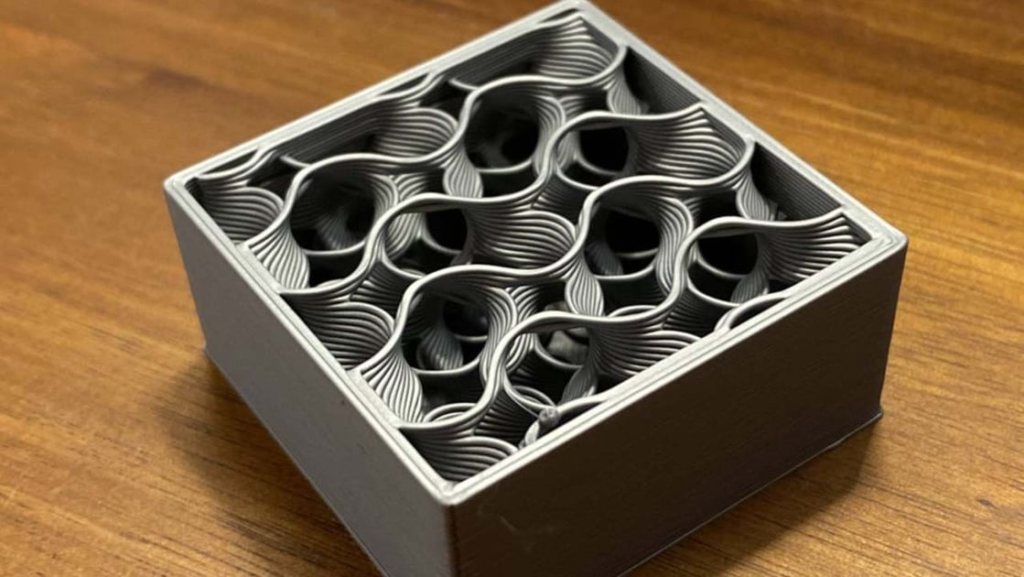 What is the best infill for strength? Test data shows walls and orientation matter more than pattern. Starting 3D print settings for each part type.
 - ArduPilot vs PX4: Which Drone Autopilot Should You Use?
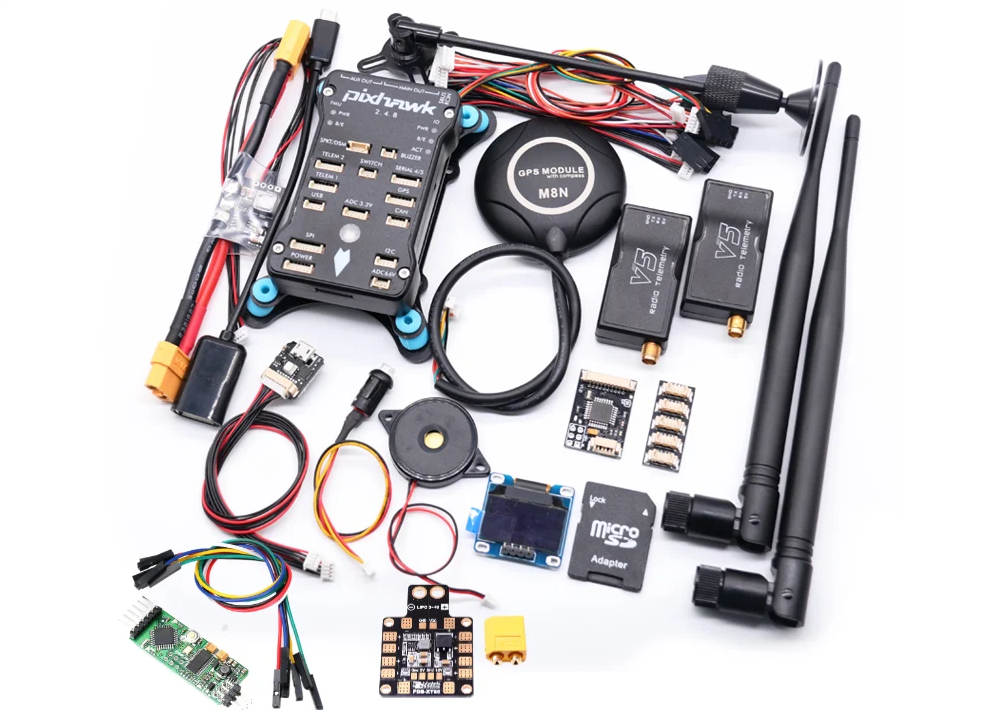 ArduPilot vs PX4 compared: licence, supported vehicles, ground stations, tuning, ROS 2, and which open-source autopilot fits your drone, research, or product.
 - ASA vs ABS: Which Filament Should You Use?
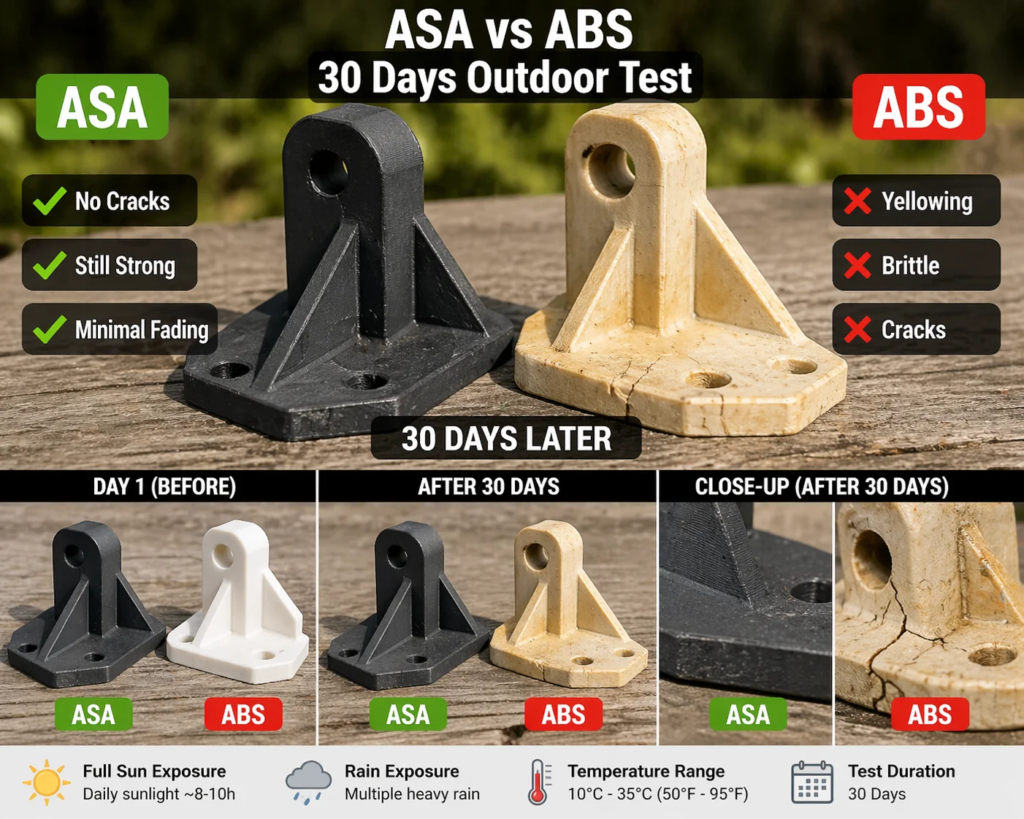 ASA vs ABS compared with datasheet numbers: strength, toughness, heat, UV and weather resistance, how hard each is to print, and which to choose for your part.