The Short Answer
Use STL when the file is going straight to a 3D printer and nobody needs to edit or measure it.
Use STEP for almost everything else: CNC machining, sharing a design with another engineer, requesting a quote from a manufacturer, running a simulation, or keeping a master copy that can still be modified.
If you can only send one file and you are not sure, send STEP. An STL can always be made from a STEP file. Going the other way loses information that cannot be recovered automatically.
What Is an STL File?
STL is a mesh format. It describes only the outer surface of an object, using a large number of flat triangles. It was created in 1987 for the first stereolithography 3D printers and has been the default format for 3D printing ever since.
Key characteristics:
- Every surface, including curves, is approximated by flat triangles.
- The file has no units. The same STL can be read as millimetres or inches.
- It stores no colour, material, or assembly structure in its standard form.
- It can be saved as binary (smaller) or ASCII (readable text, much larger).
- Almost every slicer and 3D printer accepts it.
What Is a STEP File?
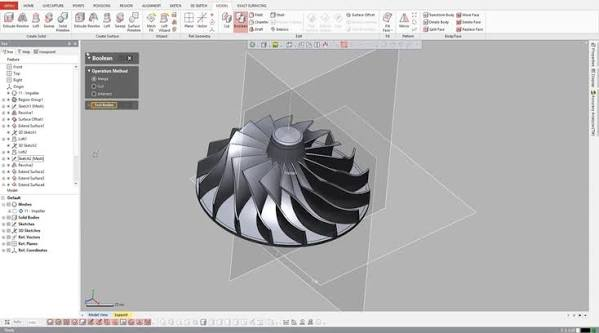
STEP is a solid model format defined by the international standard ISO 10303. It describes geometry mathematically: a hole is stored as a true cylinder with a diameter and an axis, not as a ring of small flat faces.
Key characteristics:
- Curves and surfaces are exact, at any zoom level.
- Units are stored in the file.
- It can contain assemblies with multiple parts, and usually colours.
- It is neutral. Nearly every professional CAD and CAM program can open it.
- The extensions .step and .stp are the same format.
STL vs STEP Comparison Table
| STL | STEP | |
|---|---|---|
| Geometry type | Mesh of triangles | Exact solid (B-rep) |
| Curved surfaces | Approximated by flat facets | Mathematically exact |
| Units | Not stored | Stored |
| Assemblies | No | Yes |
| Colour | Not in the standard format | Yes, in common versions |
| Editable in CAD | Very difficult | Yes, as a solid body |
| Feature history | No | No |
| Accurate measurement | Limited by the mesh | Yes |
| Main use | 3D printing | Design exchange, CNC, simulation, quoting |
| Supported by | All slicers | All major CAD and CAM, and many slicers |
Accuracy: Why Curves Matter
A useful comparison is a photograph and a drawing. A photograph is made of pixels, and enlarging it reveals the squares. A vector drawing stays sharp at any size because it stores the shapes themselves.
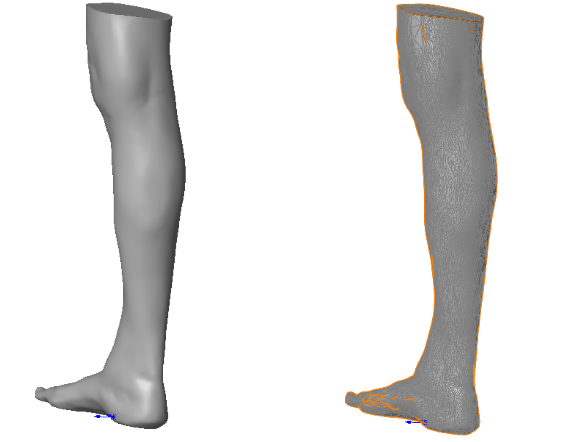
An STL is like the photograph. When a CAD program exports it, a setting decides how closely the triangles follow the true surface. A coarse setting gives a small file with visible flat spots on round features. A fine setting gives a smooth result and a much larger file. Either way, the curve is only an approximation, and the original is gone.
A STEP file is like the drawing. A 10 mm hole is stored as a 10 mm cylinder. Any program that opens it gets the exact shape.
Editing: Can You Change the Model Later?
STL is close to a dead end. Opening an STL in CAD software gives you thousands of triangles with no real faces, edges, or holes to select. Moving a hole or changing a thickness means rebuilding the geometry.
STEP opens as a real solid. Faces, edges, and holes can be selected, measured, moved, and modified with direct editing tools.
There is one limit to understand. STEP does not carry the feature history from the original CAD program. The sketches, dimensions, and relationships used to build the part are not included, so you get the final shape but not the recipe. For full editing with every dimension intact, you need the native file from the original software, or a model rebuilt through parametric CAD modeling.
Which Format for 3D Printing?
STL is still the standard and works well for most prints. Two points are worth knowing:
- Export resolution matters. If round parts print with visible flat facets, the STL was exported too coarsely. Re-export with a finer tolerance.
- Many slicers now open STEP directly. PrusaSlicer, Bambu Studio, and OrcaSlicer can import STEP files and create the mesh themselves at a suitable resolution. This avoids export mistakes and wrong units.
For functional parts with holes and mating surfaces, sending a STEP file to a printing service is often the safer choice, because the service can check dimensions and choose the resolution.
Which Format for CNC Machining?
Use STEP. CAM software needs real faces and edges to create toolpaths: it has to recognise a hole as a hole and a flat face as a flat face. An STL gives it only triangles, which makes programming slow and the results less accurate.
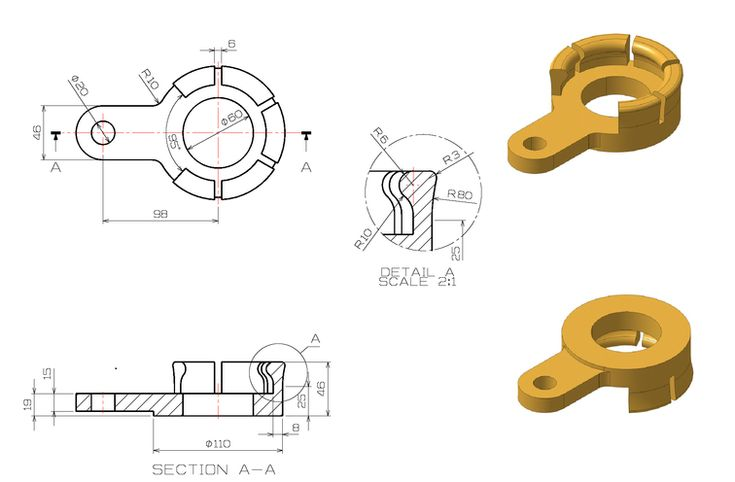
This is why machine shops ask for STEP files, usually together with a 2D drawing. The STEP file defines the shape. The technical drawing defines what the model cannot show clearly: tolerances, surface finishes, threads, and inspection requirements.
What to Send for Each Job
| Purpose | Best format | Notes |
|---|---|---|
| Printing on your own 3D printer | STL or 3MF | 3MF also stores units, colours, and print settings |
| Ordering from a 3D printing service | STEP, or a high-resolution STL | Check which formats the service accepts |
| CNC machining | STEP plus a 2D drawing | The drawing carries tolerances and finishes |
| Sheet metal or laser cutting | STEP, or DXF for flat profiles | Depends on the shop |
| Injection moulding | STEP | Mould makers will not work from STL |
| Sharing with another engineer | STEP | Works across different CAD programs |
| Simulation (FEA) | STEP | Clean solid geometry meshes more reliably |
| Sharing a model publicly for printing | STL or 3MF, with STEP if you allow edits | STEP lets others adapt the design |
Converting Between STL and STEP
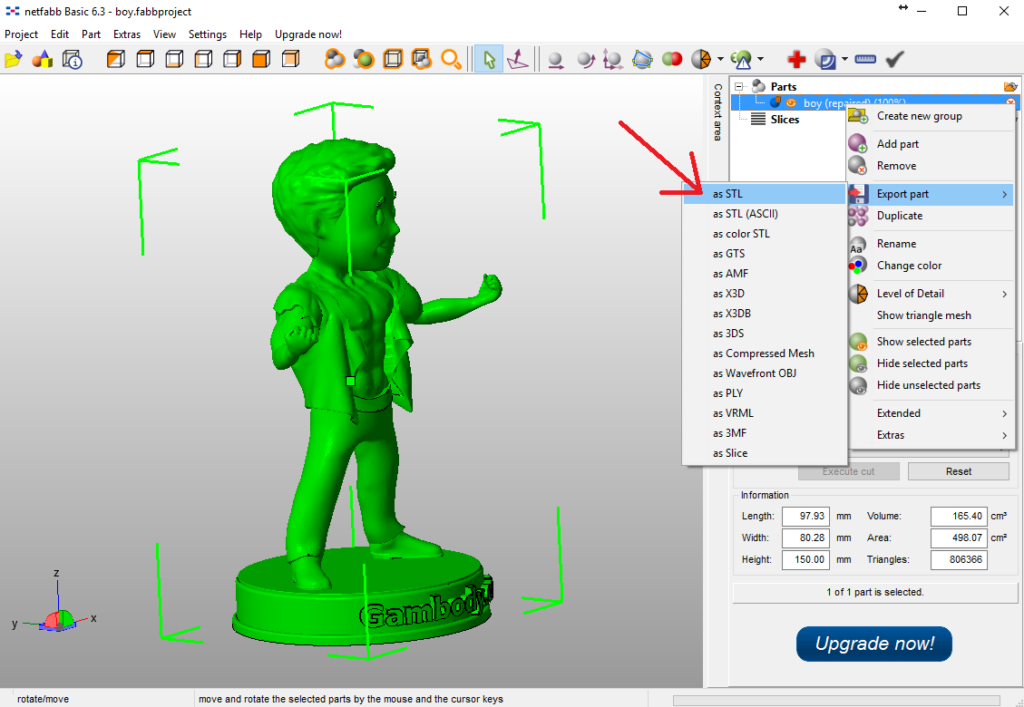
STEP to STL is simple and reliable. Any CAD program can do it. You choose the resolution and the unit, and the result is ready to print.
STL to STEP is where expectations go wrong. Free tools and CAD programs can wrap an STL in a STEP file, but the result is the same triangles saved in a different container. The holes are still faceted polygons, not true cylinders, and the model is no easier to edit.
Renaming a file from .stl to .stp does nothing at all. The contents are still a mesh.
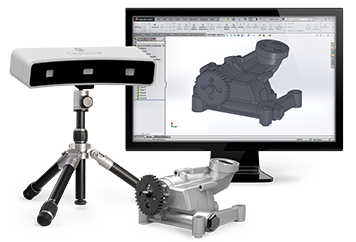
Getting a genuine, editable solid from a mesh means rebuilding the part: identifying the planes, cylinders, and fillets the triangles were meant to represent and modelling them again. This is reverse engineering, and it is the right approach when a scan or an old STL is all that remains of a design.
Where Does 3MF Fit?
3MF is a newer mesh format designed to replace STL for 3D printing. It is still made of triangles, so it does not replace STEP for engineering work. Its advantages over STL are practical: it stores units, colours, multiple parts, and slicer settings in one compressed file.
A simple way to remember the three: STEP is for designing and manufacturing, 3MF is for printing projects, and STL is the older format that every printer still accepts.
Export Tips
- When exporting STL, set the tolerance fine enough that curves look smooth, and check the file size is still reasonable.
- State the units when you send an STL. A part designed in inches and opened in millimetres comes out 25.4 times too small.
- When exporting STEP, AP214 or AP242 keeps colours and assembly structure. AP203 is the most basic and widely compatible.
- Open the exported file once before sending it, to confirm it contains what you expect.
- Keep the native CAD file as your master. Treat STEP and STL as copies for sharing.
Common Mistakes
- Sending an STL to a machine shop and expecting an accurate quote.
- Exporting a low-resolution STL and then blaming the printer for faceted curves.
- Assuming an STL converted to STEP is now an editable CAD model.
- Forgetting to mention units with an STL file.
- Sharing only STL files of a design and losing the original CAD data.
- Relying on a STEP file alone for tolerances that belong on a drawing.
Frequently Asked Questions
Is STEP better than STL? For engineering, machining, and editing, yes. For simple 3D printing, STL is enough and is accepted everywhere.
Is there a difference between .stp and .step? No. They are two extensions for the same format.
Can I 3D print a STEP file? Yes, if your slicer supports it. Several popular slicers import STEP directly. Otherwise, convert it to STL or 3MF first.
Can I convert an STL to a STEP file? You can convert the container, but the geometry stays faceted. A true editable solid has to be rebuilt from the mesh.
Does a STEP file include dimensions and tolerances? It includes exact geometry, so anything can be measured. Tolerances and annotations are only included in newer versions of the format and only if the CAD system exports them. In practice, tolerances are still communicated with a drawing.
Why is my STL file so large? It was exported with a very fine tolerance, or in ASCII instead of binary. Re-export in binary with a slightly coarser setting.
Need a File Your Manufacturer Can Actually Use?
RunTechEngineer creates and prepares CAD models for manufacturing, from new designs to meshes and scans that need to be rebuilt as clean solids. We also check models with a DFM review before they go to production. New to the topic? Start with What Is CAD (Computer-Aided Design)?
Explore our full 3D modeling services or Contact Us to discuss your project.