From Passive Monitoring to Active Response
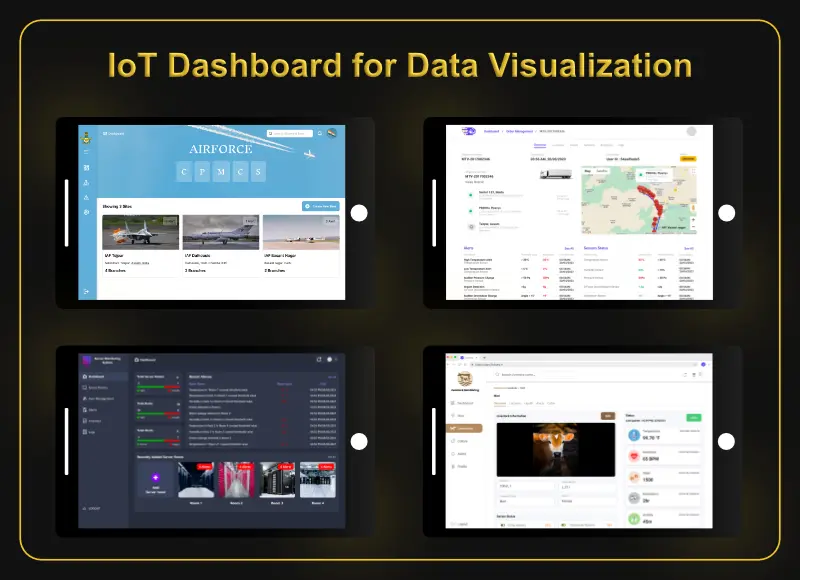
A remote monitoring dashboard tells you what is happening. Automation goes a step further and lets the system respond on its own. That shift, from passively displaying information to actively acting on it, is really what separates a basic sensor readout from a genuinely smart system.
Common Automation Triggers
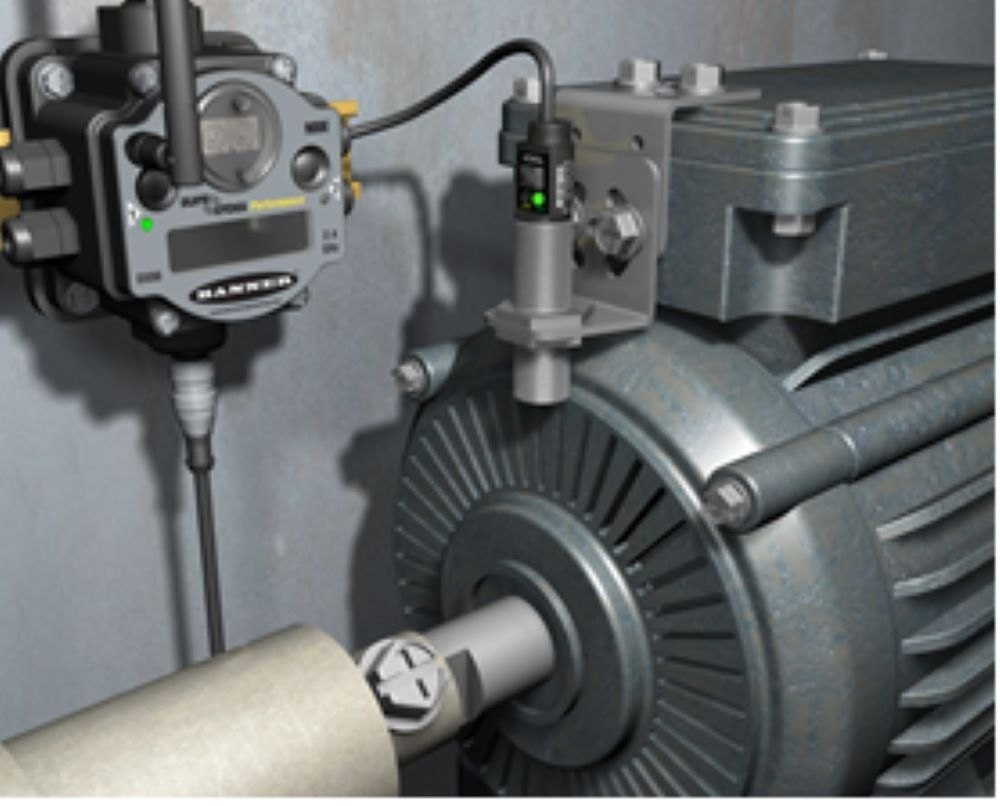
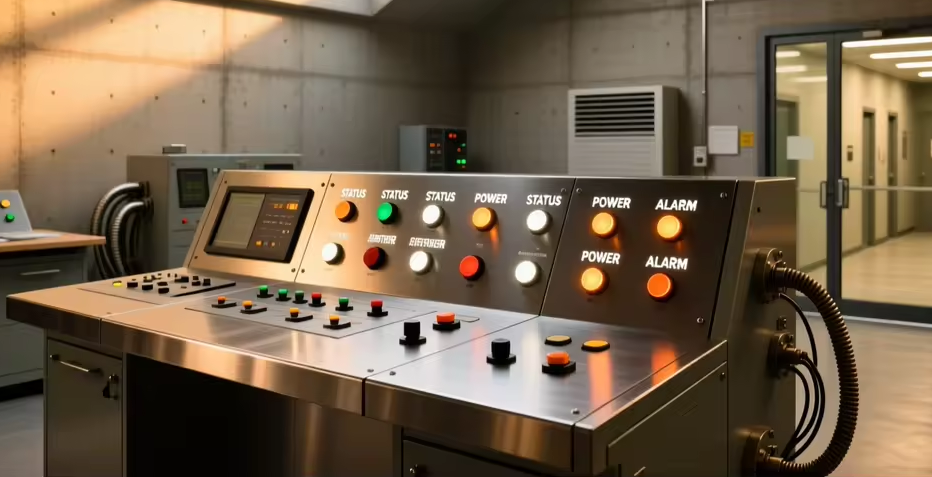
In practice, this usually takes a few familiar forms: a machine automatically shutting down when temperature or vibration crosses a safe threshold, an instant alert sent by SMS, email, or app notification the moment a reading looks abnormal, or an event quietly logged in the background for a maintenance team to review later. None of these require a person watching a screen at the exact moment something goes wrong.
Reducing Response Time
The real value of automation lies in how much time it saves between a problem appearing and someone acting on it. That gap is often the entire difference between a minor, easily corrected issue and an expensive breakdown — and closing it is exactly what a well-built alert system is designed to do.
Designing Rules That Make Sense
None of this works if the rules behind it are poorly tuned. A threshold set too tight generates constant false alarms until people start ignoring them altogether, while one set too loose misses the early warning signs it was meant to catch. Getting this balance right takes some iteration, usually informed by watching how a machine actually behaves under normal conditions before deciding where the line should sit.
Ready to Automate Your Equipment’s Response?
RunTechEngineer helps define and implement automation rules that turn raw sensor data into timely, meaningful action, rather than just noise on a screen.
This is especially valuable when adding automation to existing machines that were never built with smart alerts in mind — or Contact Us to get started.