Static Models Don’t Show the Whole Story
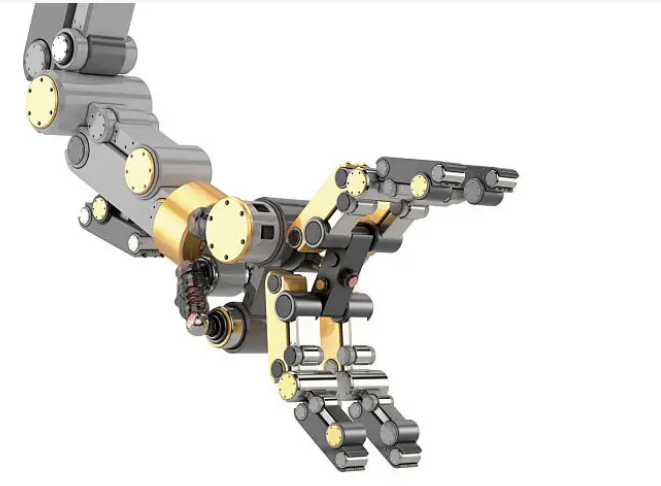
A CAD model showing every part in its correct static position can still hide serious problems once that assembly is actually set into motion. Parts that clear each other at one position in a rotation cycle might collide at another, and a linkage that looks balanced on screen can bind unexpectedly partway through its travel.
What Kinematic Simulation Checks
Motion and kinematic simulation drives an assembly through its full intended range of motion virtually, checking for interference between parts, verifying that linkages and gear trains move the way they were designed to, and confirming that forces and torques stay within acceptable limits throughout the entire motion cycle — not just at a single snapshot in time.
Catching Problems Early in Complex Mechanisms
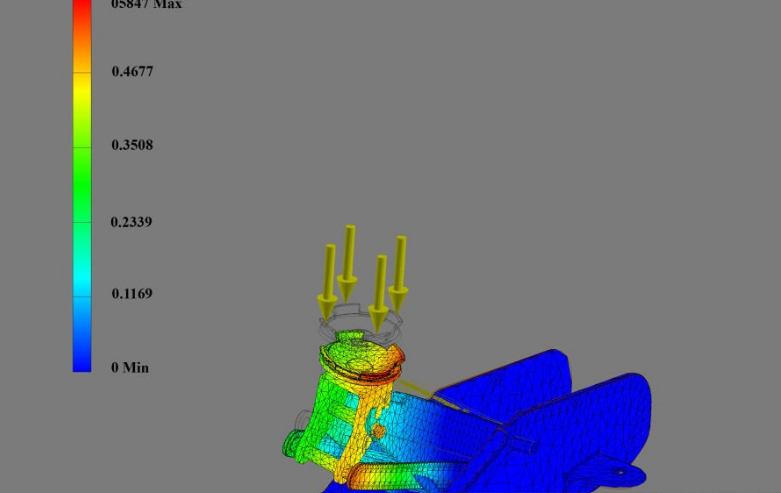
This becomes especially valuable in mechanisms with several moving parts working together, where a small misalignment in one component can cascade into binding or excessive wear somewhere else in the assembly. Simulation reveals these interactions before physical parts are cut, tying directly into the kind of FEA needed to confirm those parts can also handle the loads involved.
Validating Timing and Sequencing
For mechanisms where the timing of motion matters — cams, indexing mechanisms, or coordinated multi-axis movement — kinematic simulation also confirms that different moving elements reach the right position at the right moment relative to each other, something very difficult to verify accurately without a working physical model otherwise.
Building a Mechanism With Moving Parts?
RunTechEngineer simulates motion and kinematics on mechanical assemblies to catch interference and timing issues before they turn into a binding or broken prototype.
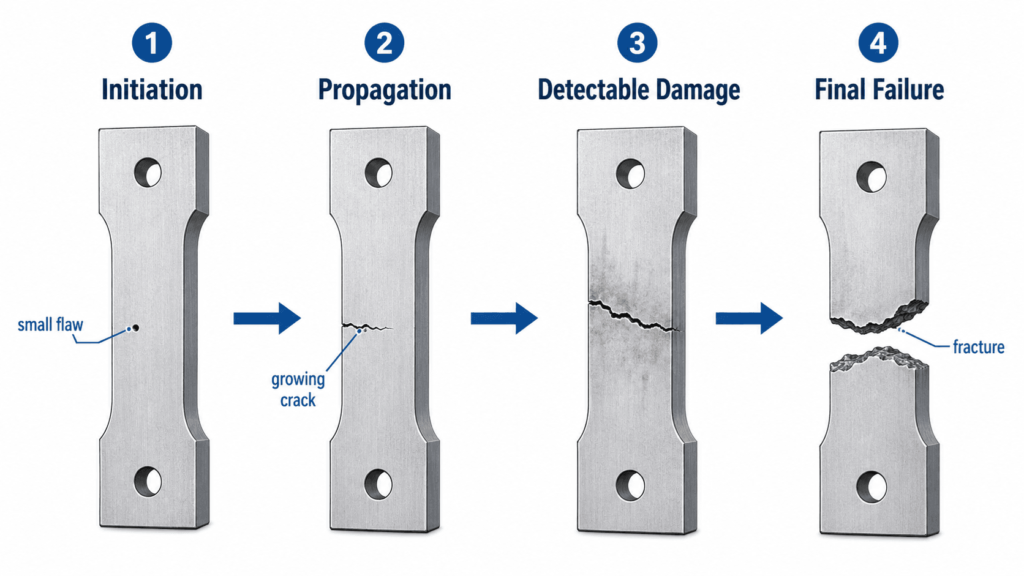
A mechanism that moves correctly still needs to survive its lifetime of use — see our guide to failure and fat